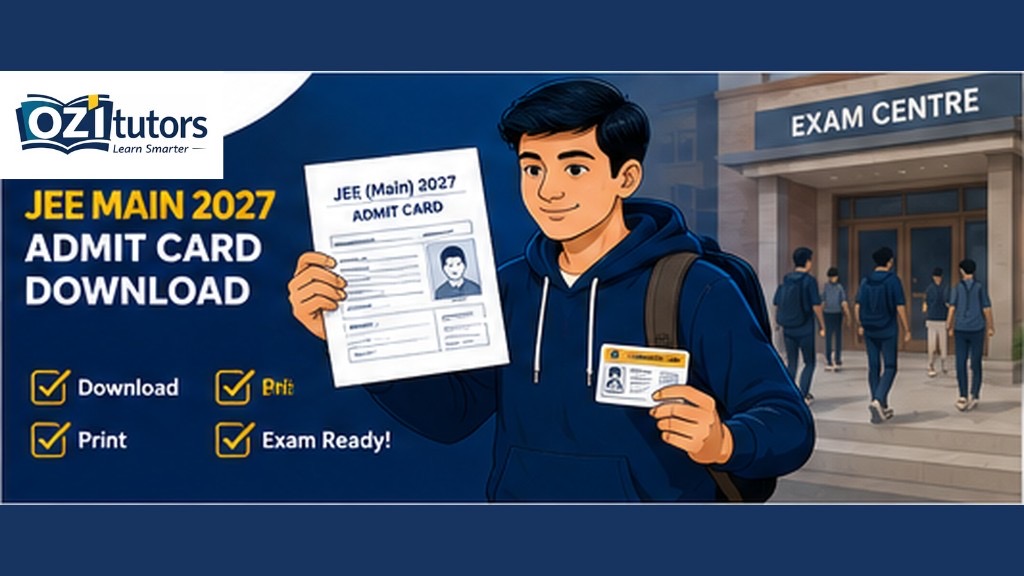
The JEE Main 2027 admit card is expected 3–4 days before each session on jeemain.nta.nic.in. Without a valid hall ticket, you cannot enter the exam centre—so knowing when and how to download matters as much as last-minute revision.
This guide covers Session 1 (January 2027) and Session 2 (April 2027) admit card release, login steps, what to verify, and what to carry on exam day.
JEE Main 2027 Admit Card: Expected Release Dates
| Session | Expected exam | Admit card (typical) |
|---|---|---|
| Session 1 | Late Jan 2027 | ~3–4 days before Session 1 dates |
| Session 2 | Apr 2027 | ~3–4 days before Session 2 dates |
NTA may also release a city intimation slip earlier showing your exam city—distinct from the final admit card with shift and centre address.
How to Download JEE Main 2027 Admit Card
Step 1 — Visit the official site
Go to jeemain.nta.nic.in only. Do not use third-party “admit card link” sites.
Step 2 — Login
Use credentials from registration:
- Application number
- Date of birth or password (as per NTA login design that year)
Step 3 — Download and print
- Download the PDF admit card
- Print on A4 sheet (colour or B&W as instructed)
- Print multiple copies—one backup in case of damage
Step 4 — Verify every field
Check immediately:
| Field | Why it matters |
|---|---|
| Name and photo | Must match ID |
| Exam date and shift | Wrong shift = missed exam |
| Centre name and address | Plan travel in advance |
| Paper (Paper 1 / 2) | B.E./B.Arch./B.Planning |
| Instructions page | Calculator, ID, reporting time |
Step 5 — Report discrepancies
Contact NTA helpdesk immediately if name, photo, or category is wrong. Corrections close quickly after release.
What to Carry on JEE Main Exam Day
Typical NTA requirements (confirm on your admit card):
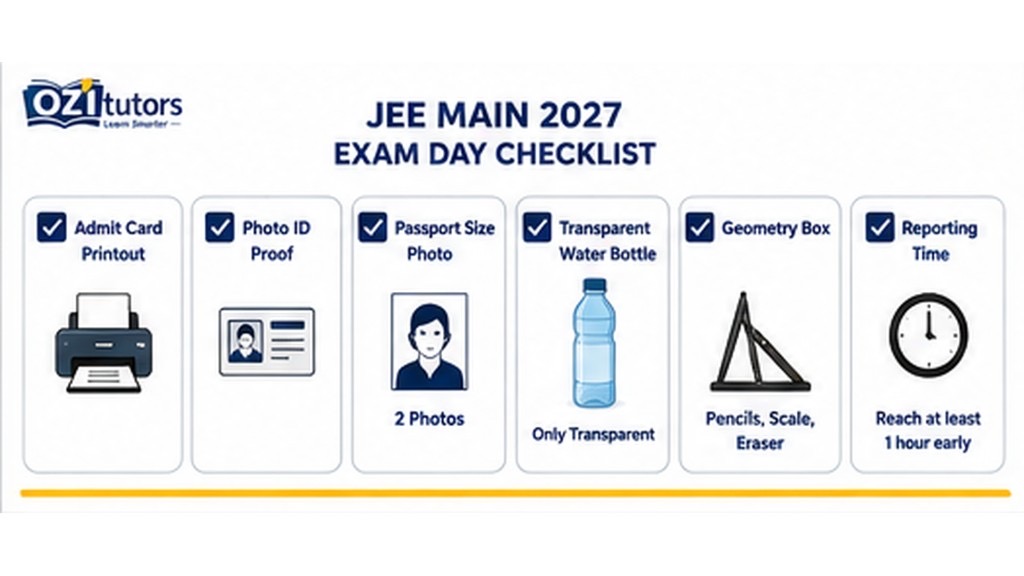
- Printed admit card
- Valid photo ID (Aadhaar, passport, school ID as listed)
- Passport-size photograph (extra copy if requested)
- Transparent water bottle (if allowed)
- Approved geometry box / stationery for Paper 1
Usually not allowed: mobile phones, smartwatches, bags (follow centre rules on admit card).
Session 1 vs Session 2 Admit Cards
If you registered for both sessions, you will download separate admit cards when each session’s card is released. Session 1 card does not cover Session 2.
Exam-Day Checklist
- [ ] Admit card printed; shift and centre confirmed
- [ ] ID document matches application name
- [ ] Centre route checked (travel time + buffer)
- [ ] Reporting time noted—gates close early
- [ ] Calculator/model verified against allowed list
- [ ] No prohibited electronics in pockets
If You Cannot Download the Admit Card
- Retry after clearing cache or use another browser
- Check NTA notices for server maintenance windows
- Call official NTA helpline—avoid paid “agents”
- Contact your school if you registered through an institution
After Admit Card: Last-Week Strategy
| Days before exam | Focus |
|---|---|
| 7–4 | Full mocks at same shift time if possible |
| 3–2 | Formula sheets + error log only |
| 1 | Logistics, sleep, light revision |
| Exam day | Warm-up micro-drills; arrive early |
Prep guide: JEE Main exam 2027 · Session 1 vs Session 2
Frequently Asked Questions
When will JEE Main 2027 admit card release?
Expected 3–4 days before each session exam date on jeemain.nta.nic.in.
Is admit card enough to enter the centre?
You need admit card plus valid ID as listed by NTA.
Can I change exam city on admit card?
Generally no after final allotment—city changes happen only in correction windows before release.
What if photo is missing on admit card?
Contact NTA support immediately—do not wait until exam morning.
JEE Main Last-Mile Tutoring
OziTutors offers 1:1 PCM tutors for mock analysis and exam-week doubt clearing. Book a free demo before Session 1 or Session 2.